Patients online
Patient Portal
The patient’s own login: appointments, today’s queue and video visit, results with the PDF, prescriptions with dose reminders, bills and receipts, the health record, the family on the account (book and take queue tickets for children and parents), consents to sign, the vaccination card, the hospital map — and, while admitted, the ward stay, medicines due, meals and a call-for-help button.
For:PatientsReception (portal requests)
Where:https://<hospital>/my · Patient Portal › Portal Requests (staff side)
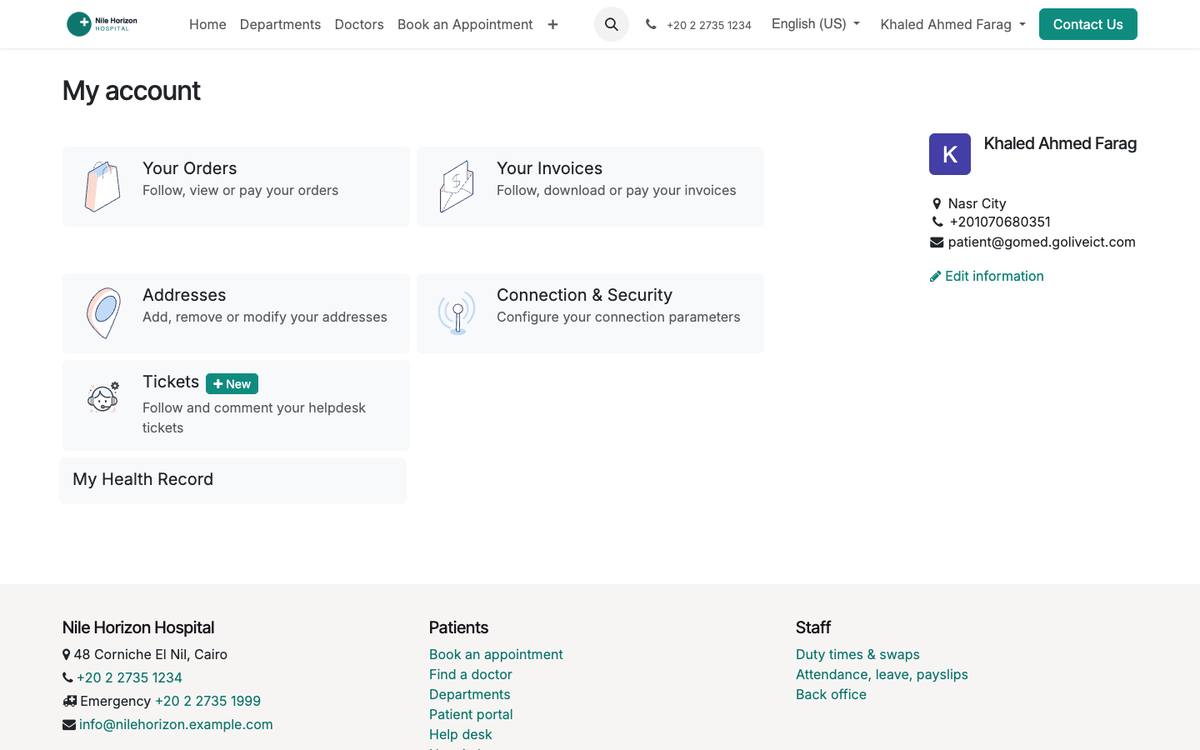
The portal home follows the patient’s phase: outpatient or admitted.
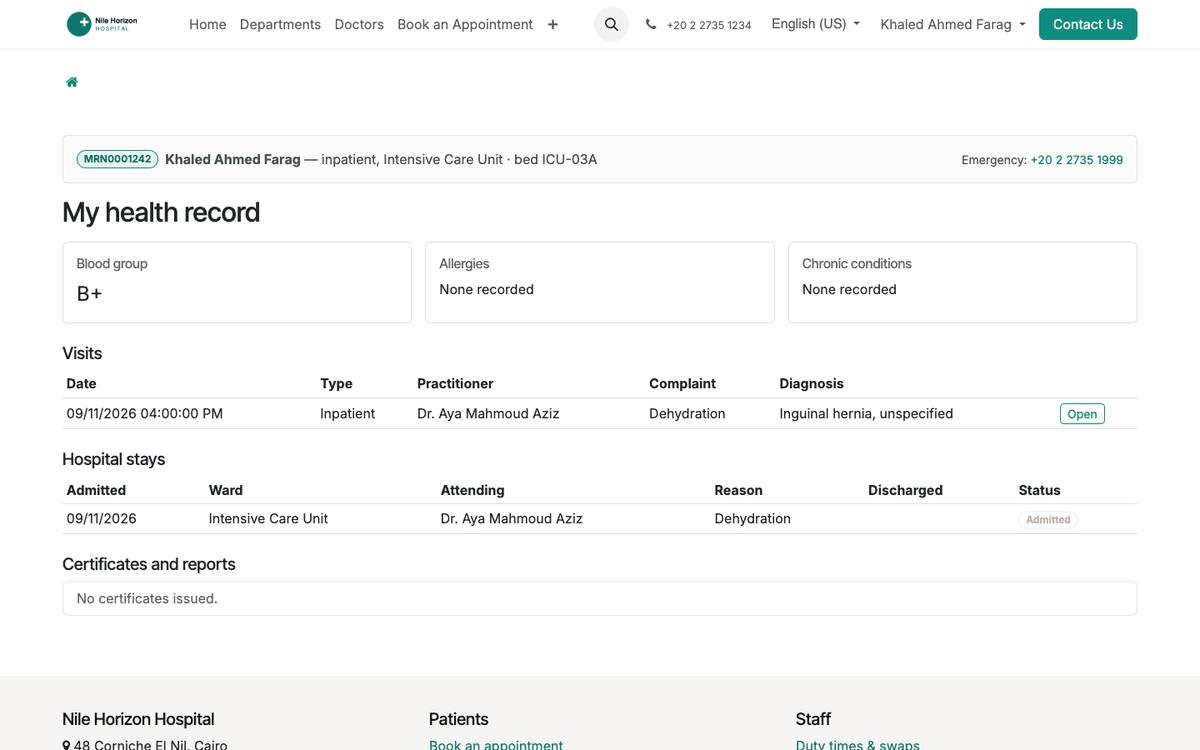
The health record: diagnoses, allergies, visits, results.
How to
Give a patient access
- Patient form › Portal tab › Grant portal access (needs an e-mail).
- The patient sets a password from the invitation; the same login works in the mobile app.
Book a visit, a test or a study (patient)
- My Portal › Book a Test, Study or Visit: what is needed, the department or doctor, the preferred date and slot, a note.
- Reception sees it under Patient Portal › Portal Requests and confirms; the patient sees the status and receives the SMS.
Follow today’s queue and join a video visit (patient)
- My Portal › Today: the token, how many are ahead, the estimated wait; the page refreshes itself.
- For a teleconsultation, “Join the video visit” opens the room a few minutes before the time.
Sign a consent (patient)
- My Portal › Consents: the forms the doctor asked to be signed; read, draw the signature, Sign.
- The record shows the signature, the time and the channel.
During a hospital stay (patient)
- My Ward Stay: ward, bed, attending doctor, expected discharge, the operation if any.
- My medicines: the doses due today; Meals: order dishes allowed by the diet for today or tomorrow; Call for help: the ward’s nurses get the request as a task and a push notification.
Handle portal requests (reception)
- Patient Portal › Portal Requests: new requests by type; open one, book the appointment or the test, or reply to the patient; the state is shown on the portal.
Add family members (patient)
- My Portal › My Family › Add: name, relation, sex, date of birth, national ID (optional).
- From then on every booking asks who the visit is for; appointments, queue tickets and Today cover the whole family.
Take a queue ticket on the day (patient)
- For a first-come-first-served clinic, My Portal › Today shows when tickets open; from then, Take my queue ticket.
- The number is kept at the desk on arrival; the page shows how many are ahead and the wait.
Rate a visit (patient)
- My Appointments › Rate on a finished visit: overall stars, the doctor, the clinic and assistant, highlights and a comment.
- It appears on the doctor’s profile once published.
See also: Mobile App (patients and staff) Appointments, Queue & Teleconsultation Certificates & Consents SMS Messages