Patients online
Hospital Website
The hospital’s public site, branded from the company record: departments, a doctors’ directory with search, filters, profiles, ratings and free times, online booking held at once for reception to confirm, the hospital map and directions, and the pages the hospital writes itself with the website editor.
For:MarketingReceptionAdministration
Where:https://<hospital>/ · Website app
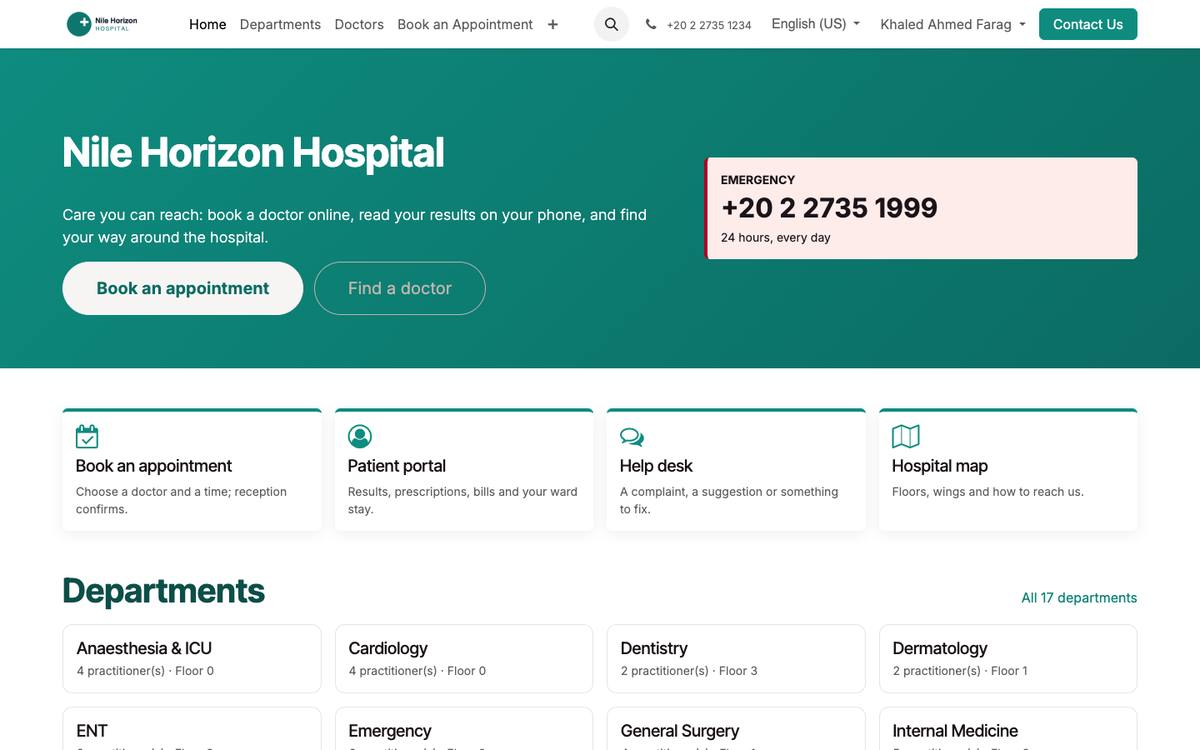
The public home page, branded from the company logo and colours.
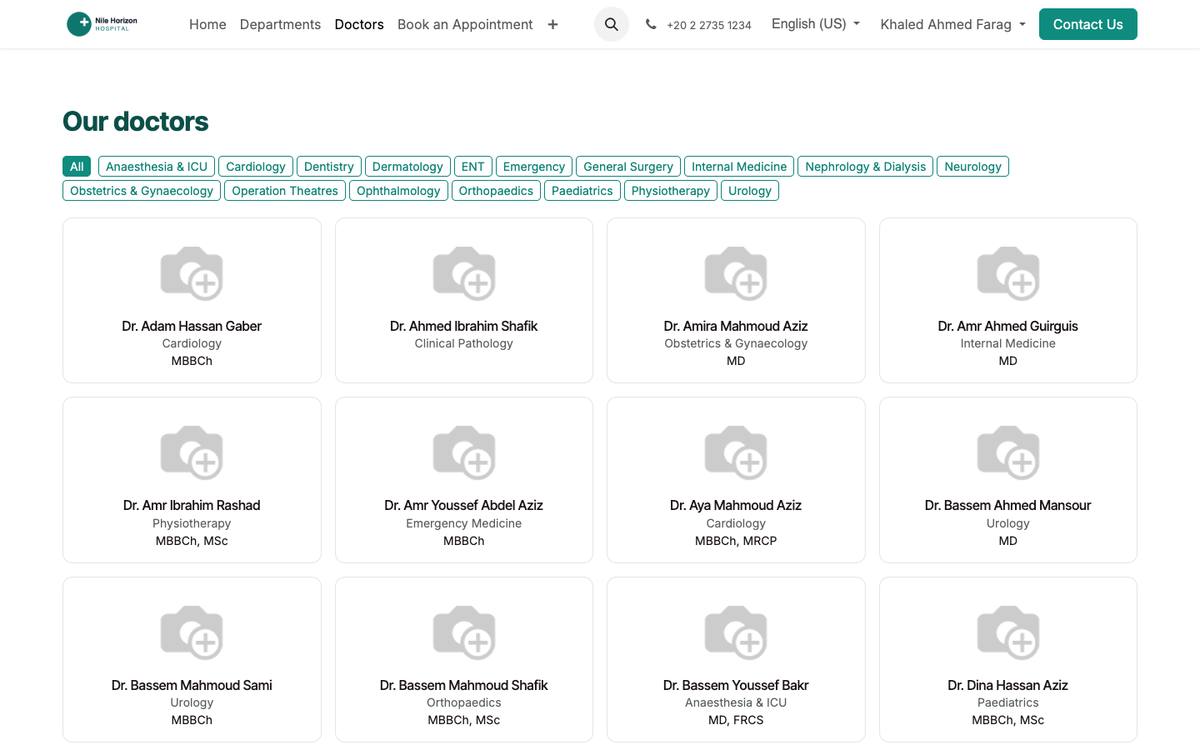
The doctors’ directory: search, filters, ratings and the next free times.
How to
Brand the site
- Settings › Companies: logo, colours, phone, e-mail, address, the emergency number; the site takes them.
- Website › Edit on any page to change texts and pictures with the editor.
Publish departments and doctors
- A department or a practitioner is on the site when Published is ticked on its Website tab; fill the directory fields — academic title, languages, conditions treated, education, biography, insurers, video (see Practitioners).
Receive online bookings
- /doctors: visitors search by name, specialty or condition and filter by degree, sex, rating, fee, availability, insurer, language and video, as on the large booking sites; each doctor has a profile with photo, reviews and the free times of the next two weeks.
- A chosen time is held at once — for a registered patient or a family member as a draft appointment, for a visitor as a portal request with the exact time; reception confirms under Patient Portal › Portal Requests.
- The same directory and booking are in the mobile app.
Publish the map
- Patients › Configuration › Settings › Hospital map: upload the floor plan and the directions; it shows on /hospital-map, the portal and the app.
See also: Patient Portal Appointments, Queue & Teleconsultation